Best use cases
Elegant two-column works well for experienced hiring, design and creative roles. The information hierarchy is clear for job seekers who need a professional resume quickly.
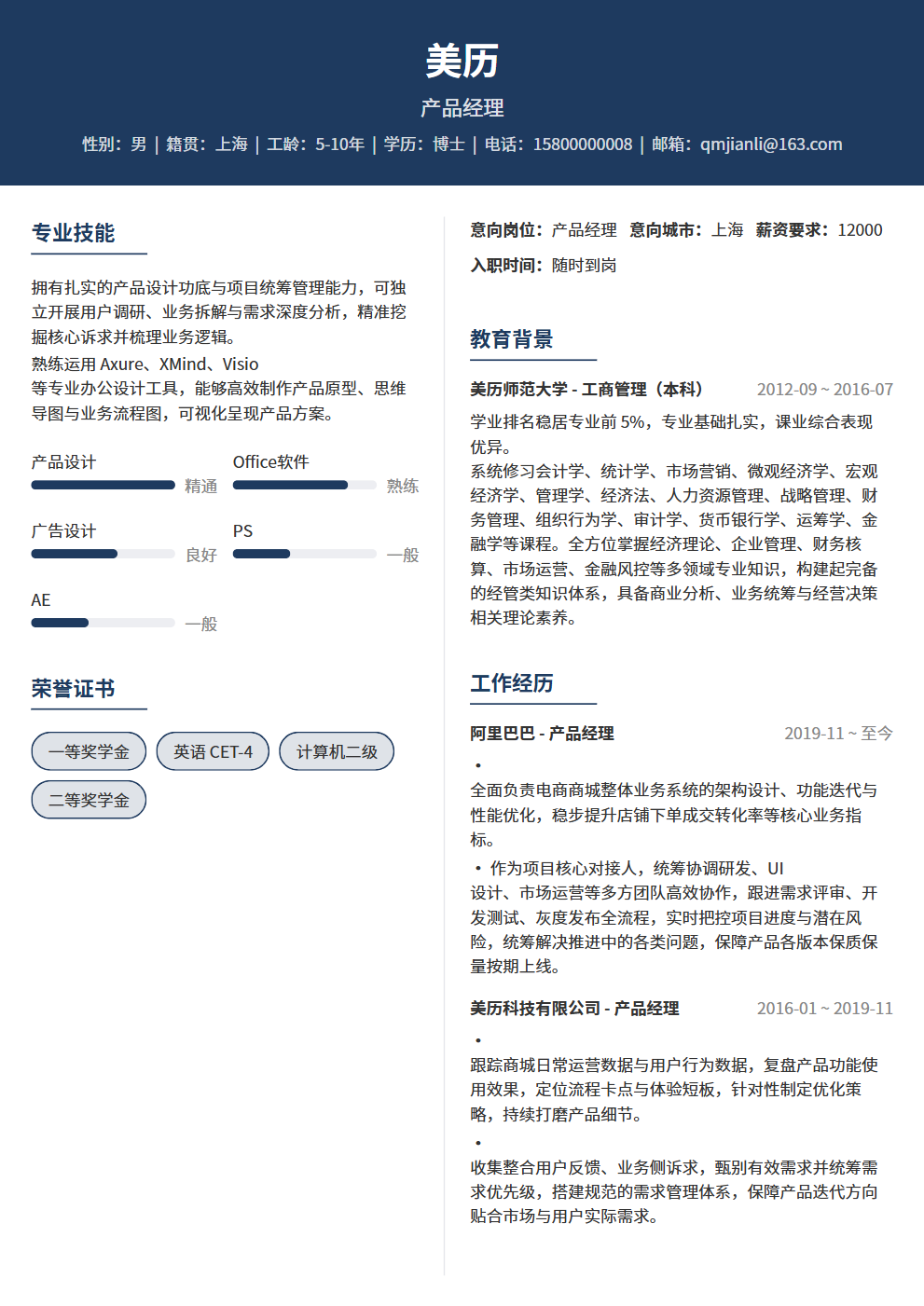
Centered name banner with balanced columns, elegant for all professional roles
Elegant two-column works well for experienced hiring, design and creative roles. The information hierarchy is clear for job seekers who need a professional resume quickly.
Elegant two-column uses a two-column structure with high information density and a business tone, making experience, projects, education and skills easy to scan.
Elegant two-column emphasizes visual presentation and content blocks. For strict ATS systems, keep decorative elements minimal and key fields complete.
Use it for roles matching its scenario tags, including campus, internships, experienced hiring, career changes or creative roles.
Yes. Open the editor to adjust theme color, font size and resume content, then export PDF.
It is better for human review and portfolio-facing roles. For ATS-heavy channels, prefer a single-column template.
Yes. After reviewing the content, export it as a PDF for job platforms or email applications. Check your contact details, file name and page breaks before sending.
Big companies offer stability but treat you like a cog; small companies offer rapid growth but come with higher risk — the classic dilemma for fresh grads choosing their first job. 5 dimensions to help you decide based on your career goals. There's no standard answer — only the answer that's right for you.
Grad school vs. employment isn't an either-or choice — 4 dimensions (major characteristics, career goals, financial situation, personal state) for rational analysis, plus common misconceptions and a decision framework for both paths.