Best use cases
Right sidebar works well for experienced hiring, internships. The information hierarchy is clear for job seekers who need a professional resume quickly.
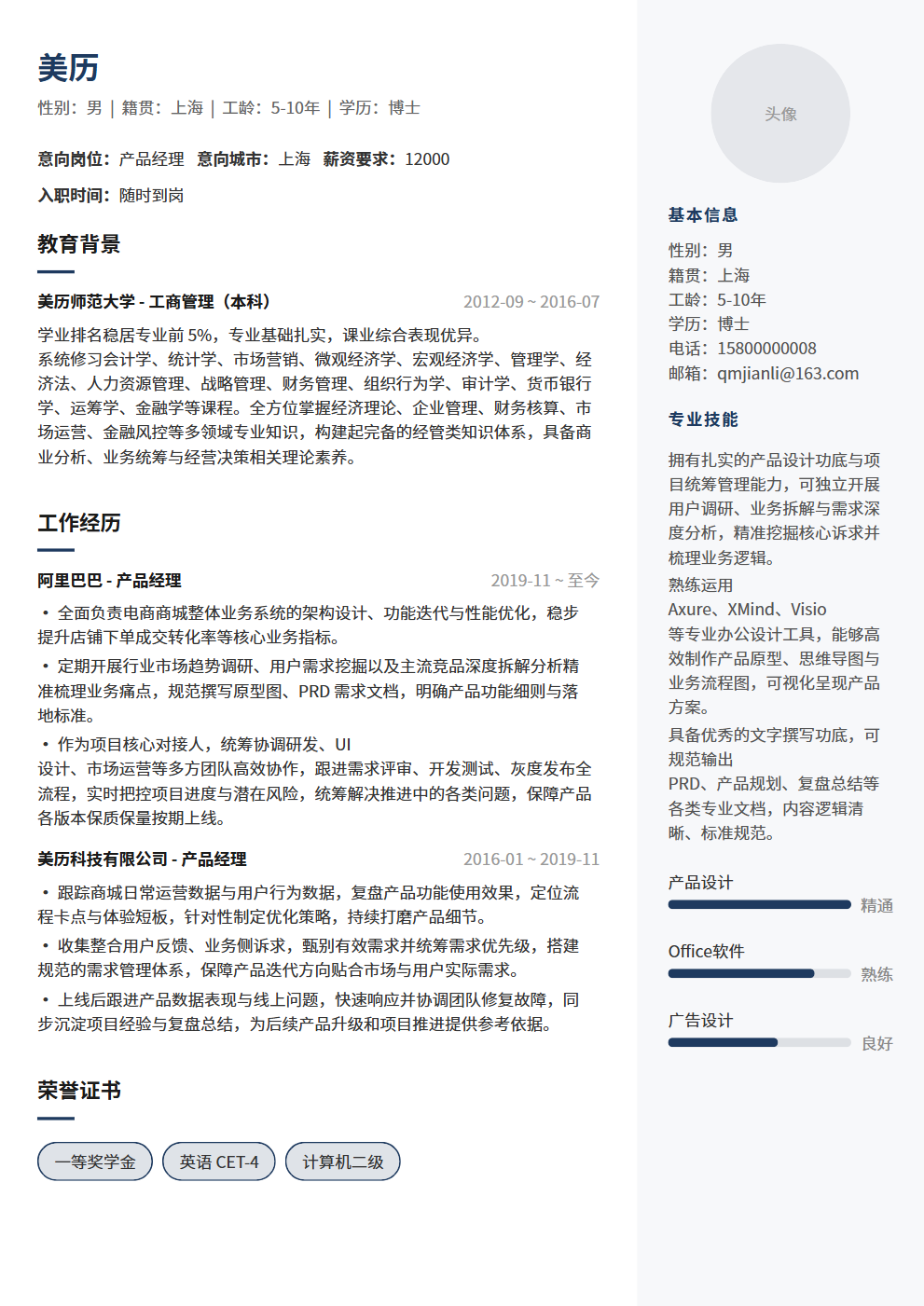
Content in left wide column, light gray right sidebar for avatar & skills
Right sidebar works well for experienced hiring, internships. The information hierarchy is clear for job seekers who need a professional resume quickly.
Right sidebar uses a two-column structure with high information density and a business tone, making experience, projects, education and skills easy to scan.
Right sidebar emphasizes visual presentation and content blocks. For strict ATS systems, keep decorative elements minimal and key fields complete.
Use it for roles matching its scenario tags, including campus, internships, experienced hiring, career changes or creative roles.
Yes. Open the editor to adjust theme color, font size and resume content, then export PDF.
It is better for human review and portfolio-facing roles. For ATS-heavy channels, prefer a single-column template.
Yes. After reviewing the content, export it as a PDF for job platforms or email applications. Check your contact details, file name and page breaks before sending.
Think you're done after the interview? Wrong! Post-interview follow-up is what sets you apart. This article teaches you 3 must-do things after an interview — thank-you notes, review notes, and timely follow-up, each with specific templates and timing advice to boost your offer rate by 50%.
An interview is not just the company choosing you — it's also you choosing the company. Observe 7 details including office environment, employee demeanor, interviewer attitude, process professionalism, restrooms and pantry, reception and security, and waiting area to judge whether a company is worth joining, plus 3 red flags and post-interview verification methods.