Best use cases
Top banner works well for experienced hiring, career changes. The information hierarchy is clear for job seekers who need a professional resume quickly.
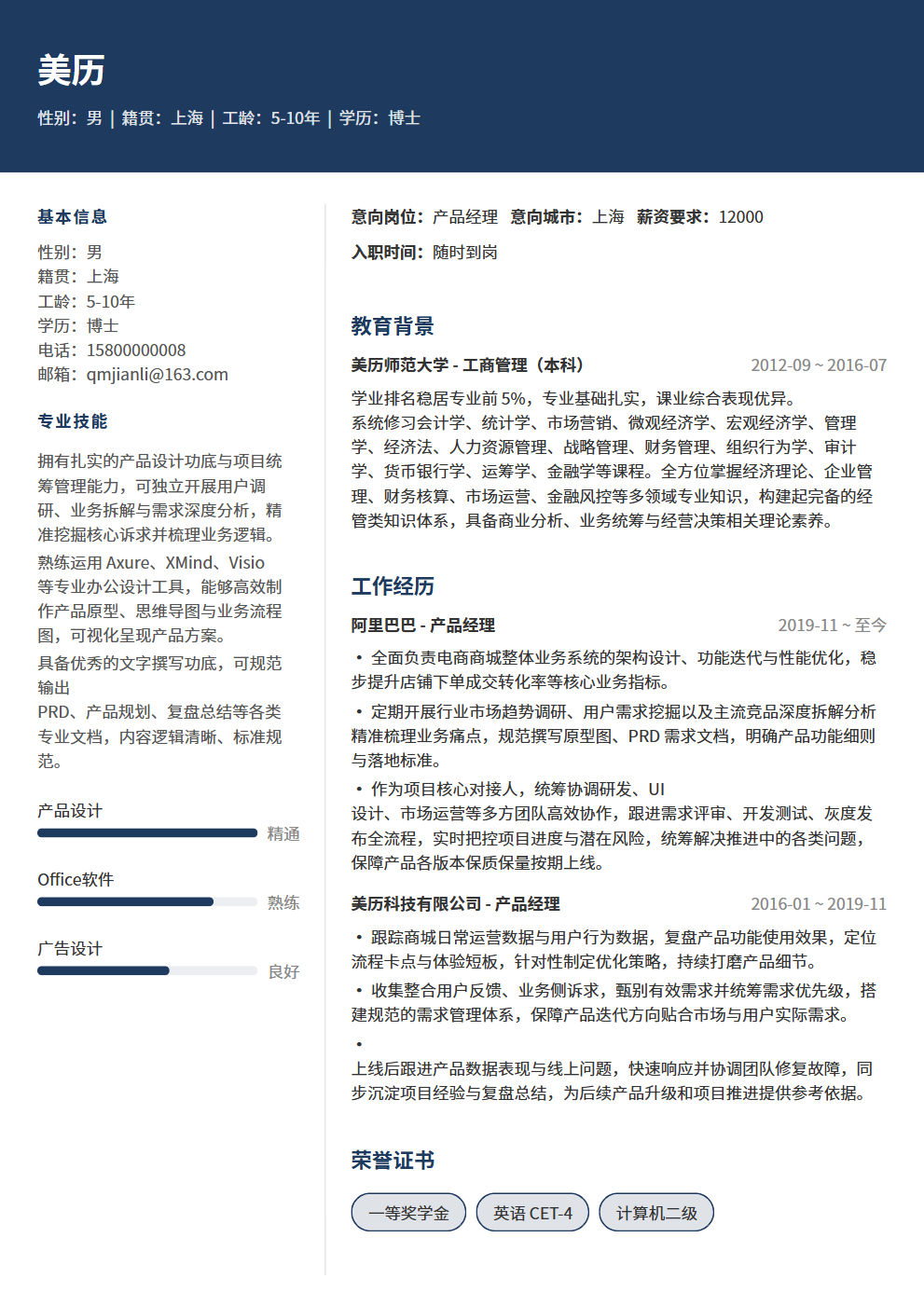
Colored header banner with name, two-column body below, clear visual hierarchy
Top banner works well for experienced hiring, career changes. The information hierarchy is clear for job seekers who need a professional resume quickly.
Top banner uses a two-column structure with high information density and a business tone, making experience, projects, education and skills easy to scan.
Top banner emphasizes visual presentation and content blocks. For strict ATS systems, keep decorative elements minimal and key fields complete.
Use it for roles matching its scenario tags, including campus, internships, experienced hiring, career changes or creative roles.
Yes. Open the editor to adjust theme color, font size and resume content, then export PDF.
It is better for human review and portfolio-facing roles. For ATS-heavy channels, prefer a single-column template.
Yes. After reviewing the content, export it as a PDF for job platforms or email applications. Check your contact details, file name and page breaks before sending.
Preparing for campus recruitment with social recruitment mindset? 7 differences (focus, interviewer, process, question types, competition, evaluation criteria, salary negotiation), plus 3 special preparations for each type to help you nail both.
Leaderless group discussions are the most common format in campus recruitment group interviews. With 6-8 people competing to speak, it's easy to get lost. Master role positioning, speaking rhythm, and summary techniques to be the one HR remembers.