Best use cases
Modern creative works well for design and creative roles, career changes. The information hierarchy is clear for job seekers who need a professional resume quickly.
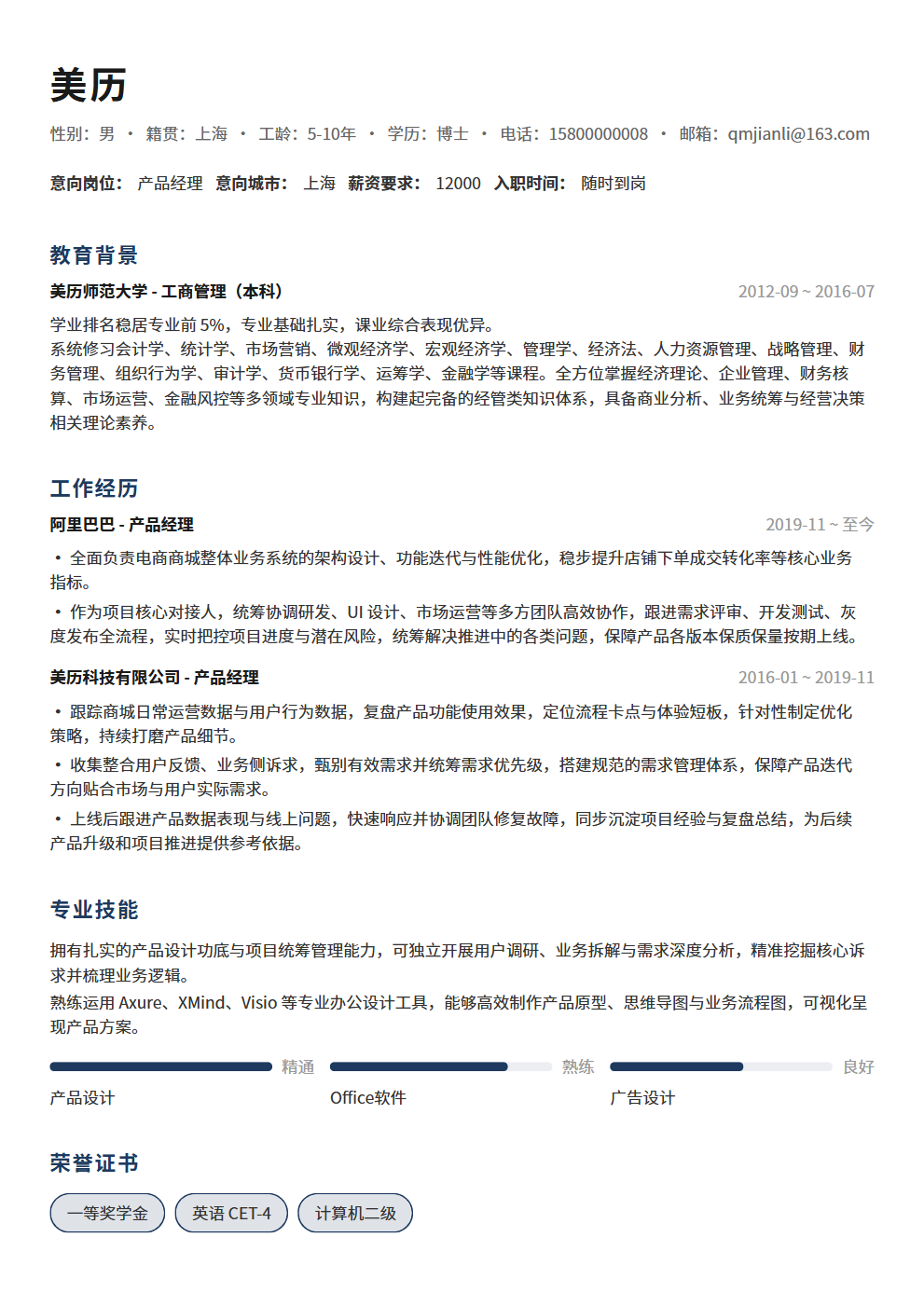
Bold color banner with date badges, creative design for designers
Modern creative works well for design and creative roles, career changes. The information hierarchy is clear for job seekers who need a professional resume quickly.
Modern creative uses a single-column structure with medium information density and a creative tone, making experience, projects, education and skills easy to scan.
Modern creative emphasizes visual presentation and content blocks. For strict ATS systems, keep decorative elements minimal and key fields complete.
Use it for roles matching its scenario tags, including campus, internships, experienced hiring, career changes or creative roles.
Yes. Open the editor to adjust theme color, font size and resume content, then export PDF.
It is better for human review and portfolio-facing roles. For ATS-heavy channels, prefer a single-column template.
Yes. After reviewing the content, export it as a PDF for job platforms or email applications. Check your contact details, file name and page breaks before sending.
Always getting your writing sent back by your boss? 5 high-frequency workplace document templates (weekly reports, project proposals, meeting minutes, performance reviews, post-mortem summaries) with writing tips, 3 workplace writing principles, and 3 common mistakes to help you go from struggling to skilled.