Best use cases
Classic simple works well for ATS applications, campus recruiting, experienced hiring. The information hierarchy is clear for job seekers who need a professional resume quickly.
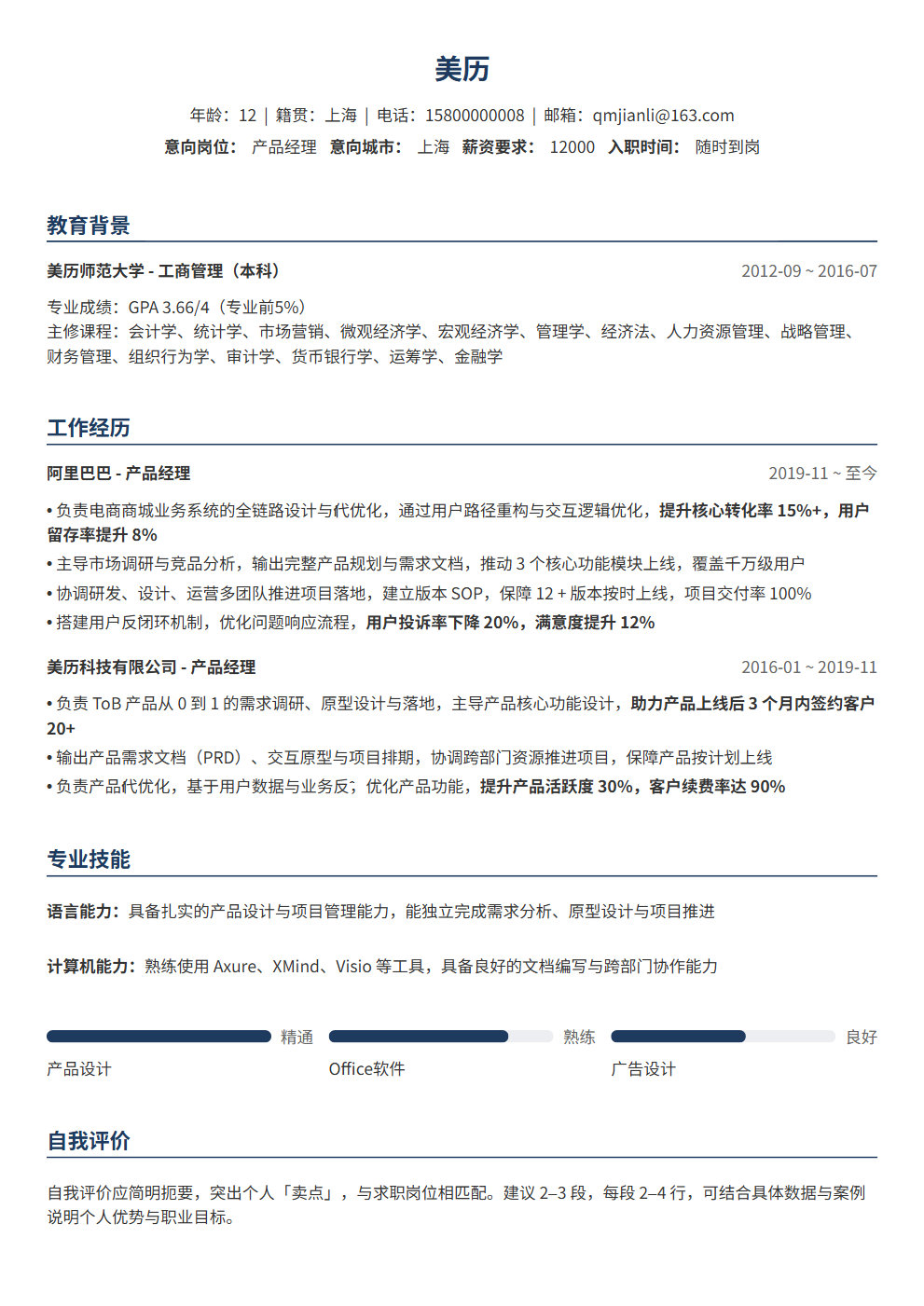
Single column, clean and versatile
Classic simple works well for ATS applications, campus recruiting, experienced hiring. The information hierarchy is clear for job seekers who need a professional resume quickly.
Classic simple uses a single-column structure with medium information density and a classic tone, making experience, projects, education and skills easy to scan.
Classic simple uses clear text hierarchy and a regular structure, making it a good fit for online applications and ATS screening.
Use it for roles matching its scenario tags, including campus, internships, experienced hiring, career changes or creative roles.
Yes. Open the editor to adjust theme color, font size and resume content, then export PDF.
Yes. It uses a regular structure and clear text hierarchy for most online application systems.
Yes. After reviewing the content, export it as a PDF for job platforms or email applications. Check your contact details, file name and page breaks before sending.
With more AI resume tools available, which one should you choose? This article compares 5 tools — ChatGPT, Claude, BeautyResume, ResumeStar, and AI Resume Assistant — covering their pros, cons, use cases, and pricing to help you find the best fit.
You used ChatGPT to write a resume — the wording is fluent, the logic is clear, and professional terminology rolls off effortlessly. It looks flawless.