Use AI to Boost Your Job Search Without Coding: 5 No-Code AI Tool Recommendations
Think AI tools require coding? This article recommends 5 no-code AI job search tools covering resume generation, interview assistants, job matching, salary lookup, and career planning — helping you easily boost your job search with AI.
"AI is so popular, I want to use it too, but I don't know how to code." That's the most common thing I hear. Many people think AI tools are exclusively for programmers — that ordinary people can't use them. The reality is that in 2026, AI tools are no longer "toys for techies" — plenty of no-code AI tools have lowered the barrier to "if you can type, you can use it." Today's 5 no-code AI job search tools require zero lines of code — open and use, done and efficient. Can't code? Completely fine.
Why Do You Need AI to Boost Your Job Search?
Let's do the math: an average job seeker submits 50-100 resumes, goes through 5-15 interviews, and spends 2-4 months from starting the search to receiving an offer. During this time, you need to write resumes, edit resumes, submit resumes, prepare for interviews, research salaries, and plan your job search direction — each step is time-consuming and labor-intensive. AI tools automate repetitive, standardized, information-intensive work so you can spend time on what truly matters — like deeply preparing for interviews, building networks, and improving skills.
- Core logic of AI efficiency: Hand off repetitive, standardized, information-dense work to AI; keep creative, strategic, interpersonal work for yourself
- Advantages of no-code AI tools: No programming knowledge needed — open and use; low learning curve — productive in minutes; covers the full job search process from resumes to interviews to salary to planning
- Common misconceptions: Thinking AI tools require technical background → most AI tools have interfaces as simple as WeChat; thinking AI tools are expensive → many excellent tools are free; thinking AI will replace you → AI is just a tool, decisions are always yours
Tool 1: AI Resume Generator — Professional Resumes Without Design Skills
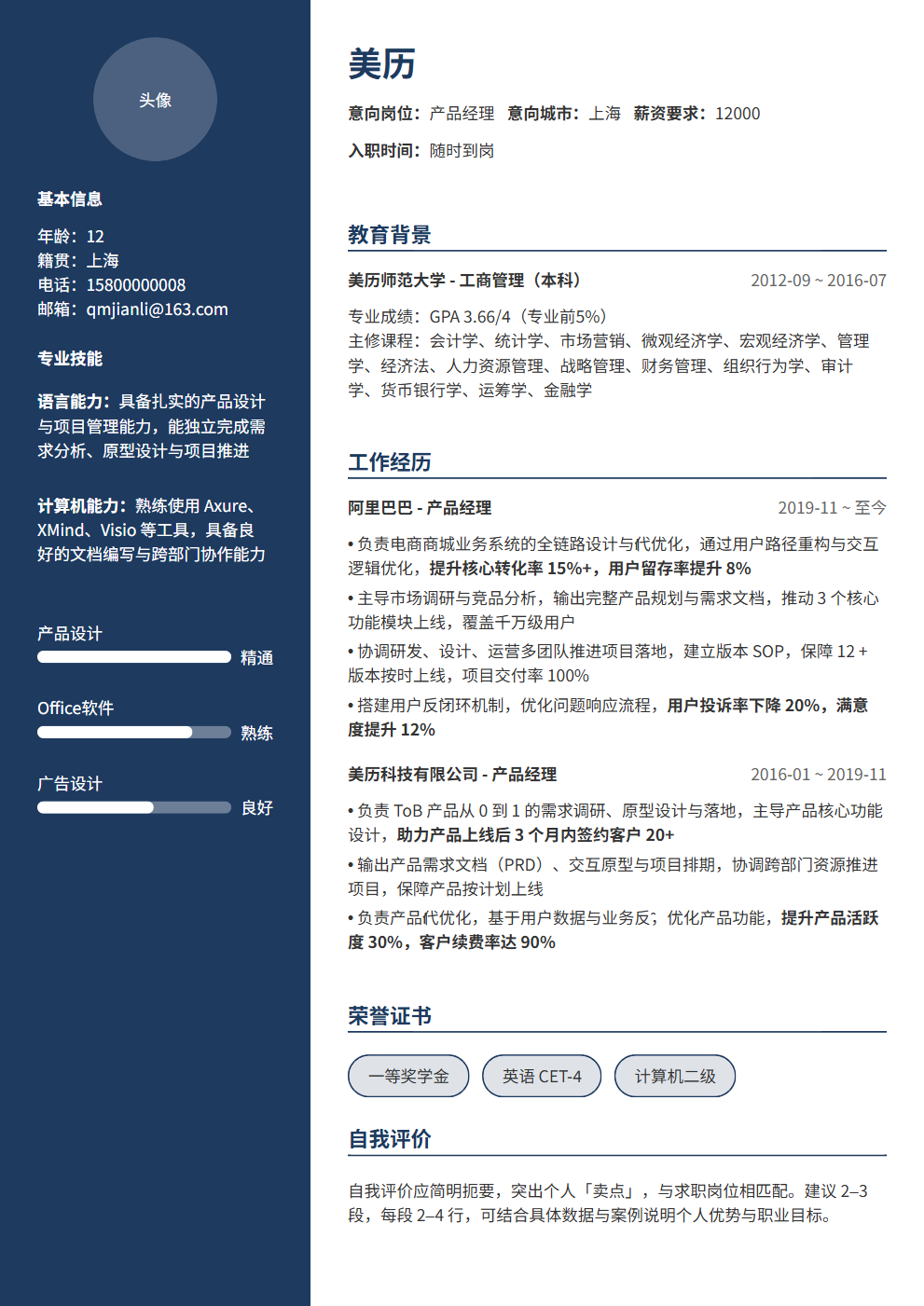
The most painful part of writing a resume isn't "what to write" but "how to format it." Many people have decent content but chaotic layouts — inconsistent font sizes, messy spacing, no emphasis on key points. HR takes one look and doesn't want to see more. AI resume generators solve this: you input content, AI handles formatting + optimization + detection, producing a professional resume in minutes.
- Core features: Input your experience, and AI auto-generates a professionally formatted resume; multiple industry templates — choose one matching your role; AI optimizes expressions, turning "what I did" into "what I achieved"; ATS detection ensuring your resume passes machine screening
- How to use: Choose template → fill in information (or upload existing resume) → AI optimization → ATS detection → download. The whole process takes 10-15 minutes
- Recommended tools: BeautyResume (professional resume editor with template + AI + ATS in one), Resume.io (overseas tool with rich templates), Canva Resumes (design-forward, great for creative roles)
- Tips: Choose a template first, then fill content — different templates suit different content structures; always use the AI optimization feature after filling content; run ATS detection after optimization — scores below 80 need adjustment
- Pitfalls: Don't use overly fancy templates — ATS may not parse them correctly; don't cram in every experience — only include what's relevant to the target role; don't rely entirely on AI-generated content — always manually review for accuracy
Tool 2: AI Interview Assistant — Build Interview Confidence at Home
Interview anxiety is a common pain point, and the root cause is insufficient practice. AI interview assistants let you simulate real interviews at home — AI plays the interviewer, you answer, AI gives feedback. No scheduling needed, no paying for coaches, no embarrassment — open and practice anytime.
- Core features: AI simulates interviewer questions across multiple roles and interview styles; provides scoring and improvement suggestions after each session; practice the same question repeatedly until satisfied; some tools support recording/playback to help identify expression issues
- How to use: Select target role and interview type → start mock interview → AI asks, you answer → review feedback after interview → practice weak areas repeatedly
- Recommended tools: ChatGPT (free and flexible, requires prompts), Final Round AI (comprehensive features, supports non-technical roles), Interviewing.io (most professional for technical roles)
- Tips: Recording and replaying is the most effective self-diagnosis method — what feels smooth may sound choppy on playback; focus on weak areas rather than spreading thin; practice at least 2-3 times per week — consistent practice is 10x more effective than cramming
- Pitfalls: Don't practice without reflecting — always review feedback and adjust after each session; don't only practice easy questions — hard questions and pressure scenarios matter too; AI mock interviews can't fully replace human mocks — add 1-2 human sessions
Tool 3: AI Job Matching — Not Sure What to Apply For? AI Helps You Find Direction
Many job seekers get the very first step wrong — not knowing what roles suit them, applying to everything, and getting no responses. AI job matching tools analyze your skills, experience, and preferences to recommend the best-fitting role directions, making your applications targeted rather than random.
- Core features: Input your skills, experience, and job preferences; AI analyzes and recommends matching role directions; shows match scores and reasons for each recommendation; provides market demand, salary ranges, and growth prospects for recommended roles
- How to use: Fill in your skills list and work experience → set preferences (city, industry, role type) → AI analyzes and recommends matching roles → view match scores and role details → choose target role directions
- Recommended tools: LinkedIn AI recommendations (based on your profile), Boss Zhipin smart recommendations (most mainstream in China), Liepin AI matching (focused on mid-to-senior roles)
- Tips: Be comprehensive when listing skills — include soft skills and cross-domain abilities, not just "hard skills"; match scores are reference only — combine with your interests and career plans; AI recommendations can be a starting point for "discovering new directions," but you don't have to accept everything
- Pitfalls: Don't only look at the highest-match roles — 70-90% match roles might suit you better (challenging but achievable); don't ignore roles AI didn't recommend but that interest you — AI works from data, but your intuition and interests matter too
Tool 4: AI Salary Lookup — Do Your Homework Before Negotiating
Salary negotiation is one of the most awkward parts of job hunting — quote too high and risk rejection, quote too low and shortchange yourself. AI salary lookup tools help you understand the market salary range for target roles, so you negotiate with confidence and data-backed figures.
- Core features: Input target role, city, and years of experience; AI provides salary ranges and distributions; compare salary differences across cities and industries; analyze your market value based on skills and experience
- How to use: Input target role and city → view salary range and distribution → compare across cities and industries → determine expected salary based on your situation
- Recommended tools: Maimai (Chinese professional community with salary section), Glassdoor (most comprehensive overseas salary database), Kanzhun (focused on Chinese salary queries)
- Tips: Salary data is reference, not standard — your actual value depends on the specific company, team, and your negotiation skills; median is more useful than average (averages get skewed by extremes); cross-reference multiple data sources — single sources may have bias
- Pitfalls: Don't treat online salary data as "gospel" — actual salaries are influenced by many factors; don't say "I saw online that this role pays XX" in interviews — it sounds unprofessional; when negotiating, use "based on my understanding and experience" rather than "the internet says"
Tool 5: AI Career Planning — From Confusion to a Clear Job Search Roadmap
Many job seekers' biggest problem isn't "can't do" but "don't know what to do" — no clear job search goals, no systematic plan, no clear priorities. AI career planning tools help you find direction from confusion and create an actionable job search roadmap.
- Core features: Analyze your career background and goals to generate personalized job search plans; break down steps with specific actions and timelines; dynamically adjust plans based on your progress
- How to use: Describe your current situation and goals → AI analyzes and generates a job search plan → execute the plan → review and adjust regularly
- Recommended tools: ChatGPT/Claude (most flexible, supports deep conversational planning), Careerflow AI (focused on job search planning), Notion AI templates (visual planning for self-managers)
- Tips: Plans must be specific and actionable — not "optimize resume" but "optimize resume using BeautyResume by Wednesday and achieve 80+ ATS score"; plans need priorities — do the most important things first; review weekly — what's done, what's not, and why
- Pitfalls: Don't make plans too grandiose — "get a big-tech offer in 3 months" isn't a plan, "submit 10 targeted applications this week" is; don't plan without executing — a plan's value is in action; don't rigidly stick to plans — adjust flexibly based on reality
3 Universal Tips for Using AI Tools
Regardless of which AI tool you use, these 3 tips will help you get better results.
- Tip 1: Give AI enough context. AI isn't a mind reader — it doesn't know your specific situation. When using any AI tool, provide detailed background — your target role, years of experience, core skills, job preferences. The more detailed the information, the more precise the AI's output
- Tip 2: Don't expect perfect results on the first try. AI tool outputs usually need 2-3 rounds of iteration to reach ideal quality. Unsatisfied with the first output? Tell AI what to adjust and have it regenerate. Iterative refinement is more efficient than one-shot generation
- Tip 3: Always manually review AI outputs. AI might generate inaccurate content, fabricate non-existent data, or give unsuitable advice. After each AI output, spend a few minutes reviewing — is the information accurate? Is the advice appropriate for you? Is anything important missing?
AI Tool Limitations: What It Can and Cannot Do
AI tools are powerful but not omnipotent. Understanding their limitations helps you use them better.
- What AI can do: Optimize resume expressions and formatting, simulate interview scenarios, recommend matching roles, query salary data, create job search plans — these are information processing and standardization tasks
- What AI cannot do: Replace your real experience and abilities, build your professional network, make career decisions for you, guarantee you an offer — these require your own judgment, action, and luck
- AI's limitations: Based on historical data, can't predict the future; doesn't understand your emotions and values; may generate inaccurate or biased content; can't replace genuine human interaction
- The right mindset: AI is a tool, not a crutch. Use AI for efficiency, but don't rely on it for decisions. Final judgment and action are always yours
Conclusion: AI Is a Job Search Accelerator, Not a Replacement
Not knowing how to code doesn't stop you from using AI to boost your job search — 5 no-code AI tools (AI resume generator, AI interview assistant, AI job matching, AI salary lookup, AI career planning) cover the full process, each at the "open and use" level. AI saves you time, boosts efficiency, and finds direction, but ultimately you're the one who gets the offer — your experience, abilities, preparation, and performance. AI is an accelerator, not a replacement. Use AI tools well, and spend the saved time on what truly matters — that's the right approach to job hunting in the AI era.
Want to start using AI for resume efficiency? Try BeautyResume — zero-code operation with templates + AI optimization + ATS detection in one step, generating a professional resume in minutes.