Submit 50 Targeted Resumes a Day with AI: A Job Search Workflow That Boosts Efficiency 10x
Only submitting 5-10 resumes a day? 5-step AI job search workflow (batch analyze JDs, generate targeted resume versions, write personalized cover letters, track application status, review interview performance), with tools and methods for each step, helping you submit 50 targeted resumes a day and boost job search efficiency 10x.
How many resumes can you submit per day? 5? 10? Most people spend 2-3 hours writing one targeted resume, so submitting 5 in a day is already considered efficient. But did you know some people submit 50 targeted resumes in a single day? Not mass-sending the same resume — each one customized for the target position. Sounds impossible? In 2026, AI makes this achievable. Here's a 5-step AI job search workflow that boosts your efficiency 10x — not through brute force, but through tools and methodology.
Step 1: Use AI to Batch-Analyze JDs — Decode 50 Position Requirements in 1 Hour
Traditional approach: Open each job posting individually, manually read the JD, manually highlight keywords — at least 15 minutes per position, 12.5 hours for 50 positions. AI approach: Feed them all to AI and complete the analysis in 1 hour.
- How to do it: Copy all the JDs you're interested in into one document, separating each with a divider line. Then send everything to AI at once with the prompt "Please analyze each of the following job descriptions individually. For each position, extract: core requirements (must-have conditions), bonus qualifications (nice-to-have conditions), keywords (terms that must appear in the resume), and salary range (if mentioned in the JD). Output in table format for easy comparison"
- Tool recommendations: ChatGPT/Claude works well for text analysis — you can feed 50 JDs at once. If you have more JDs, process them in batches of 10-15 to avoid AI output truncation
- Advanced technique: Have AI categorize the 50 positions — which ones have highly similar requirements (can use the same resume template) and which ones differ significantly (need separate customization). This determines how many resume versions you need — not 50 separate resumes for 50 positions
- Real impact: Analyzing 50 JDs takes 12.5 hours traditionally but only 1 hour with AI. Plus, AI's analysis is more structured — you get a clear comparison table showing which positions best match your background at a glance
Step 2: Use AI to Generate Targeted Resume Versions — Create 5 Customized Resumes in 2 Hours
Based on Step 1's analysis, you probably need 3-5 different resume versions. Traditional approach: Write or manually modify each version from scratch, 2-3 hours per version. AI approach: Based on your experience library, complete all versions in 2 hours.
- How to do it: First prepare an "experience library" — organize all your project experiences, skills, and achievements using the STAR method, with each entry containing: Situation, Task, Action, Result. Then send the experience library and target position JD analysis results to AI with the prompt "Based on the following experience library and target position requirements, generate a targeted resume that highlights experiences matching the position and naturally incorporates JD keywords into the descriptions"
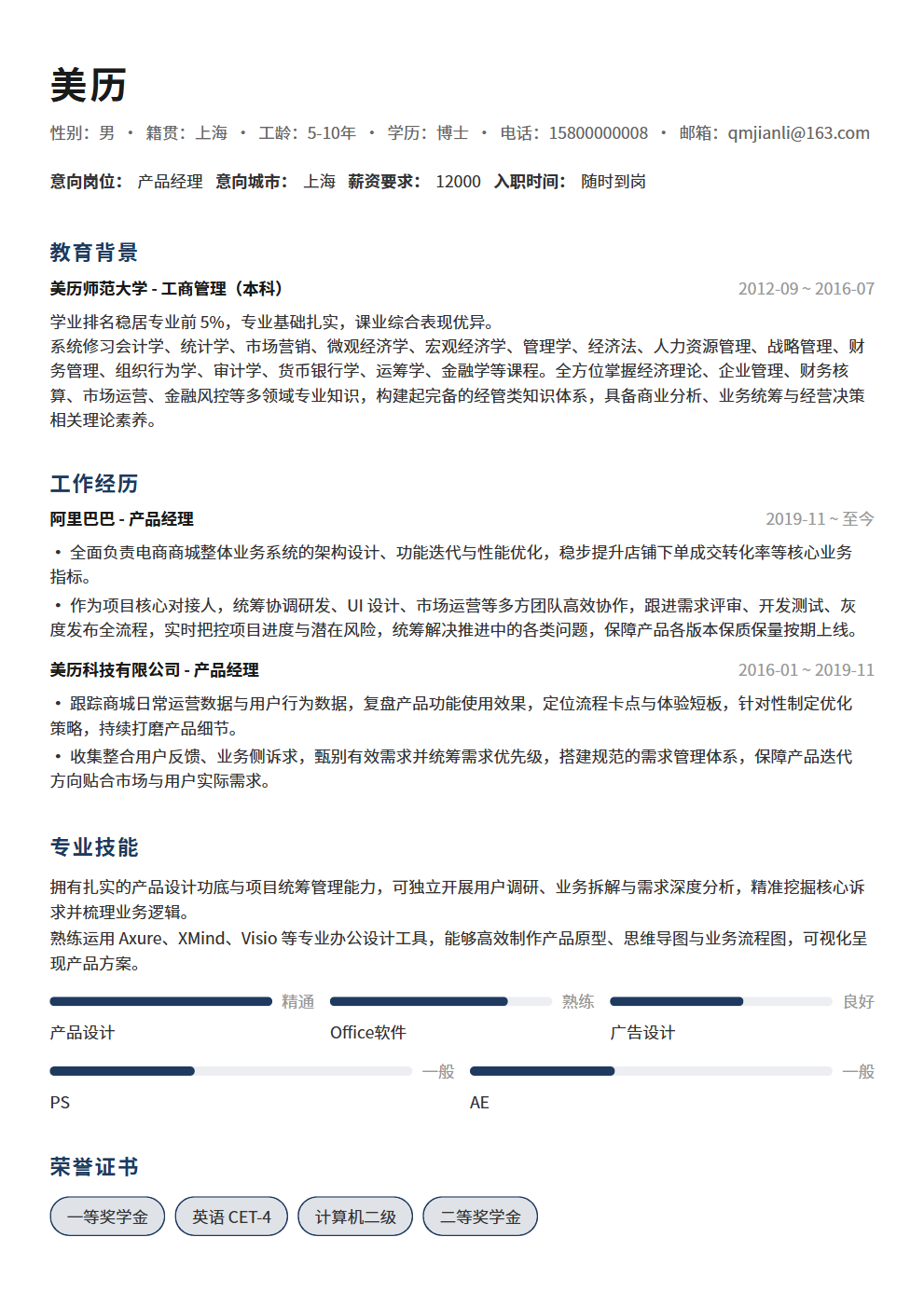
- Tool recommendations: Use BeautyResume resume editor to create your base resume template, then use AI to generate customized versions for different positions. BeautyResume's templates are already optimized for formatting — you only need to replace the content sections
- Advanced technique: Don't have AI generate resumes from scratch — that makes them too "AI-flavored." The right approach is to write your experience library first (real content), then have AI do "combinatorial optimization" — selecting the most matching experiences from your library based on different position requirements, adjusting order and emphasis, and optimizing wording. This way each resume version is based on your real experiences, just presented differently
- Real impact: 5 customized resume versions take 10-15 hours traditionally but only 2 hours with AI. Plus, each version is keyword-matched and experience-emphasized for the target position, significantly improving ATS pass rates
Step 3: Use AI to Write Personalized Cover Letters — Complete 50 Custom Letters in 30 Minutes
Cover letters are overlooked by many, but a good one can make your resume stand out from 100 others. The problem is — writing one customized cover letter takes 30 minutes, and 50 would take 25 hours. AI can compress this to 30 minutes.
- How to do it: Send your core strengths and the target position's JD to AI with the prompt "Please write a cover letter that: 1) mentions the specific company name and position in the opening; 2) uses 1-2 specific experiences to show why I'm a good fit; 3) references a specific business or achievement of the company, showing I've done my research; 4) closes by expressing interest in an interview, no more than 200 words"
- Tool recommendations: ChatGPT/Claude works well for generating cover letter drafts, but be sure to review and modify each one. AI-generated cover letters tend to be "cookie-cutter," so you need to add personal touches
- Advanced technique: Have AI customize the opening of each cover letter based on different company characteristics. For big tech: "Your company's leading position in XX has impressed me." For startups: "Your innovative exploration in XX direction excites me." For multinationals: "I have been following your company's growth in the XX market." Different opening styles make HR feel you're taking it seriously
- Real impact: 50 customized cover letters take 25 hours traditionally but only 30 minutes for AI drafts + 1 hour for review with AI. Each letter mentions the specific company and position — not a mass-mailed template
Step 4: Use AI to Track Application Status — Never Miss an Interview Opportunity
After submitting 50 resumes, the biggest headache is tracking — which company replied, which hasn't viewed it yet, which rejected you, which scheduled an interview. Manual tracking is error-prone; AI can help you build an efficient tracking system.
- How to do it: Use AI to generate an application tracking table including: company name, position name, submission date, submission channel, current status (pending reply/viewed/interview invited/rejected), next follow-up date, and notes. Update the status each time you receive a response, and AI can analyze which channels have the highest response rates and which types of positions have the highest pass rates
- Tool recommendations: Use Notion or Feishu's multi-dimensional table for tracking — AI helps generate the initial template and subsequent analysis. You can also use Excel/Google Sheets with AI helping you write formulas and conditional formatting
- Advanced technique: Have AI help you develop follow-up strategies. For example, "7 days after submission with no reply — should I send a follow-up email?" AI can provide advice based on different situations — big tech usually doesn't need follow-up (slow HR processes), startups can be followed up after 3-5 days (fast decisions), and recruiter-referred positions can be proactively checked
- Real impact: With a tracking system, you won't miss any interview invitations or waste time on companies that already rejected you. More importantly, tracking data helps you review — which types of positions have high pass rates, so you can prioritize them in future submissions
Step 5: Use AI to Review Interview Performance — Get Stronger After Every Interview
The interview ending isn't the finish line — review is the key to growth. But most people forget about the interview as soon as it's over and make the same mistakes next time. AI can help you systematically review each interview so you improve every single time.
- How to do it: As soon as the interview ends, record the questions asked, your answers, and the interviewer's reactions. Then send it to AI with the prompt "Please help me review this interview: 1) Which questions did I answer well and why? 2) Which questions did I answer poorly and how can I improve? 3) Which interviewer reactions indicated interest or disinterest in my answers? 4) What should I focus on preparing for next time?"
- Tool recommendations: After the interview, use your phone to voice-record the interview content (immediately after leaving the interview location), then use speech-to-text to convert it to text, and send it to AI for analysis. This is more accurate than trying to recall afterward
- Advanced technique: Have AI help you build an "interview question bank" — add new questions after each interview, marking which ones you answered well and which need improvement. As your interview count grows, your question bank becomes increasingly comprehensive. Eventually, you'll find you've prepared answers for 80% of interview questions
- Real impact: After 5-10 AI-assisted reviews, your interview performance will improve qualitatively. Because you're not improving "by feel" — you're improving "with data," with each review making your strengths and weaknesses clearer
3 Efficiency Traps: Faster Doesn't Mean Better
The AI job search workflow can dramatically boost efficiency, but there are 3 traps you must watch out for — otherwise, higher efficiency leads to worse results.
- Trap 1: Prioritizing quantity over quality. Submitting 50 resumes a day sounds great, but if each one is an AI-generated "standard product," the pass rate might be lower than 5 manually submitted ones. The prerequisite for AI boosting your efficiency is that you provide high-quality raw materials (a real experience library) — AI just helps you "process" and "distribute" more efficiently. Without good raw materials, even the most efficient processing can't produce good products
- Trap 2: Over-relying on AI leading to content homogenization. If you let AI generate everything from scratch, 50 resumes and 50 cover letters might all look similar — same sentence patterns, same wording, same logic. HR sees enough of this "AI-flavored" content to filter it out automatically. The right approach: AI builds the framework, you fill in the content, and you review each one — ensuring every resume and cover letter has your personal touch
- Trap 3: Neglecting post-submission follow-up and review. AI helps you quickly submit 50 resumes, but submission is only the first step. If you don't track status, prepare for interviews, or review performance, submitting 50 is no different from submitting 5 — because your conversion rate (interview invitation rate/offer rate) won't automatically improve just because you submitted more. Efficiency improvements must cover the entire process, not just the "submission" step
Conclusion: AI Boosts Job Search Efficiency 10x, But Quality Always Trumps Quantity
The 5-step AI job search workflow — batch-analyze JDs, generate targeted resume versions, write personalized cover letters, track application status, and review interview performance — helps you go from submitting 5 resumes a day to 50 targeted ones. But remember, efficiency improvement only works when quality doesn't drop — every resume is based on your real experiences, every cover letter is customized for the specific company and position, and every interview is carefully reviewed for improvement. Fast doesn't mean good — fast AND good is the right approach to AI-powered job hunting. Use BeautyResume resume editor for a one-stop solution from templates to content — AI boosts your efficiency, you ensure quality, making every submission targeted and impactful.